Article

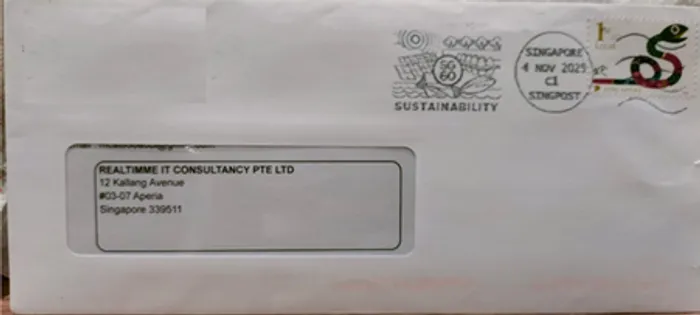
Print address label to your SP - REALTIMME

M
mcst
Print address label to your SP - REALTIMME

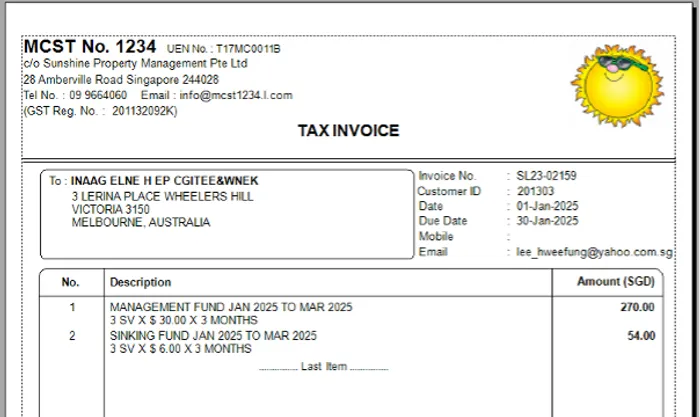
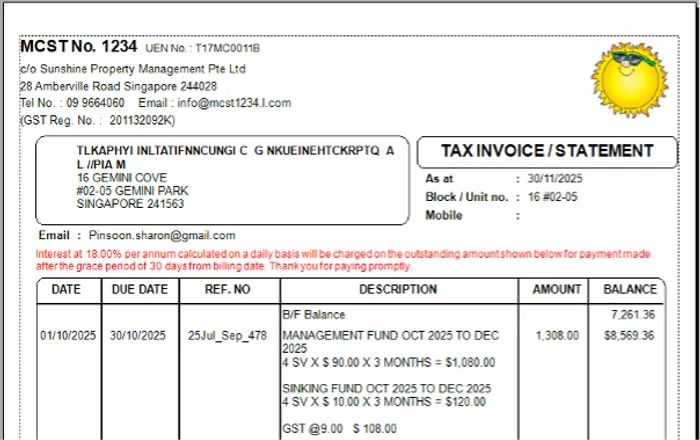
You print address label when

  1. The SP still want to receive hard copy of their statement of accounts
  2. Send the financial report or minutes of AGM meeting reports

Are you still using mail merge to print out the address label?

When you use Realtimme Cloud MCST, you can print address label to

3.All SP or

4.Preset the selective few who are in the group 1 above

5. Select address that are non-resident SP

Watch video here how you prepare the printing of SP address label

Writer : Choo Hong Peng,
Chartered Accountant, Singapore

Email : sales@realtimme.net

19/10/2020

Share this article

M

Written by mcst

Chartered Accountant, Singapore • Certified ACTA Trainer • Business Mentor

With over 12 years of experience in MCST accounting and property management, our team provides expert insights and practical solutions for managing agents and property owners.

Contact author

Ready to Transform Your MCST Accounting?

Discover how REALTIMME can streamline your property management with real-time cloud accounting.

Chat with us on WhatsApp